Authoring scenes that answer well
The difference between a scene that technically works and one that answers real questions: how naming, descriptions and attached documents decide what the agent can find.
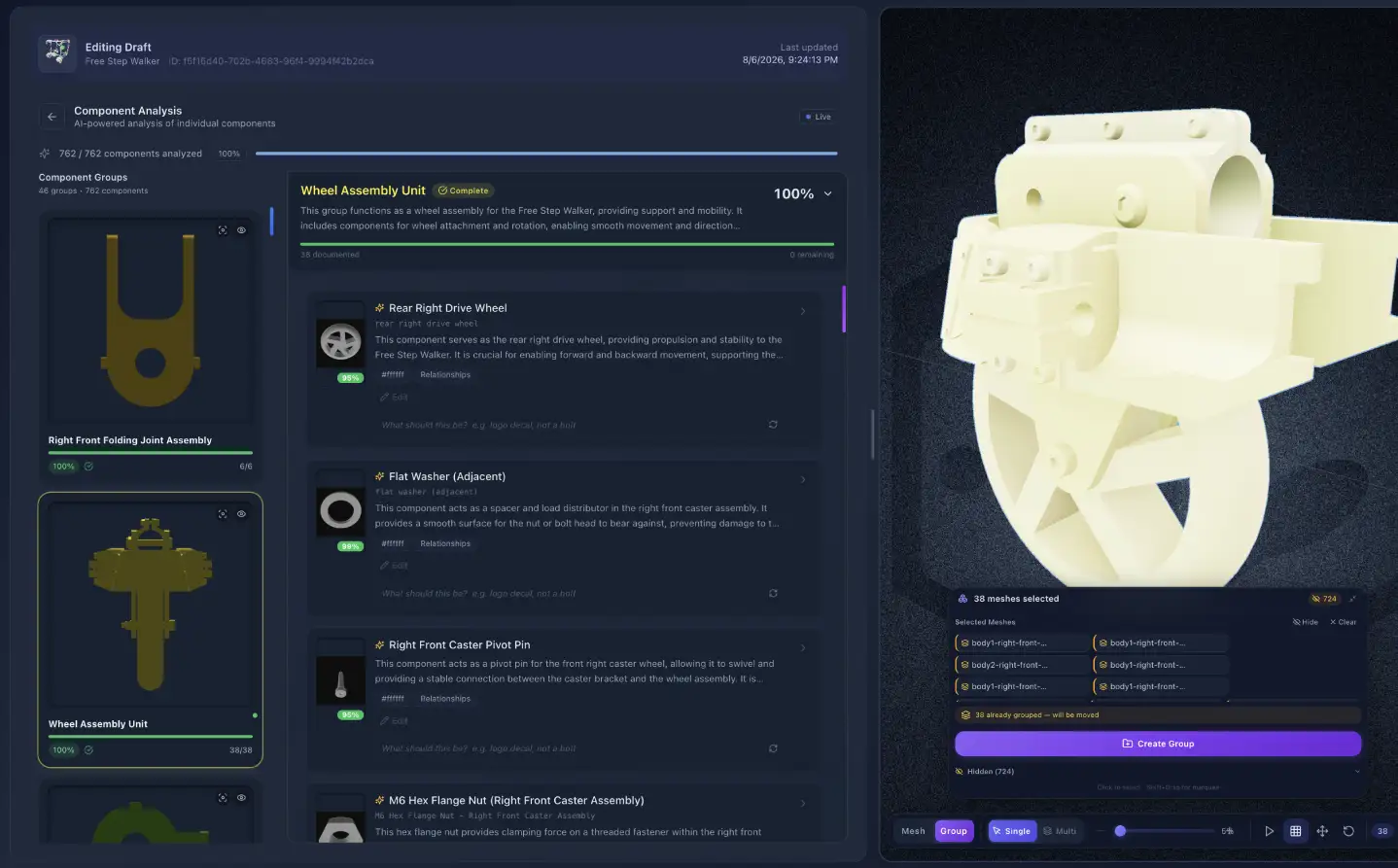
Two scenes built from the same model can behave completely differently. One answers the question a technician actually asked; the other says it can’t find anything. The difference is almost never the geometry — it’s what you wrote down while authoring.
The single idea behind this page: in an agentic scene, text is not a label. It is the index. Names and descriptions are what the agent searches to decide what you meant. A field you filled in carelessly isn’t cosmetic damage — it’s a thing that can no longer be found.
In an agentic scene, text is not a label — it is the index the agent searches to decide what you meant.
Describe the product before you upload
The scene name and one-line description you enter during upload are sent with the model and used to ground the AI’s very first pass over the geometry.
“Scene 4” tells the pipeline nothing, so every part is named from shape alone.
“Commercial espresso grinder, café counter-top use” tells it there will be a hopper, burrs, a dosing chamber and a motor — and it names accordingly.
This is thirty seconds of typing that improves every downstream step, and it’s the earliest point where effort compounds.
Fix the names in the documentation step
Names confirmed in the documentation step become the words every future answer is phrased in.
This is the step that decides how the finished scene talks. Every answer the agent gives is phrased in terms of the groups and part names you confirm here.
Use the name your people use. If the service team calls it the drive coupling, that’s the name — not its catalogue designation.
Be consistent across the assembly. Half real names and half exporter output produces an agent that answers confidently about one region and vaguely about another.
Keep names distinct. Two different parts sharing a name means a question about one can resolve to the other.
Correct the groups. A part filed under the wrong subsystem is findable only by someone who already knows where it is — which defeats the point.
A mislabelled assembly doesn’t produce an agent that says “I’m not sure.” It produces one that is confidently wrong, forever, in a way nobody notices until a customer does.
Write descriptions people would actually say
In the enrichment step the AI drafts descriptions for the groups you confirmed. They’re editable, and editing them is worth your time — this text is a primary search surface.
The useful test is to imagine the question. Someone will not ask “what is component 14?” They’ll ask “what stops the hopper leaking?” A description mentioning sealing, the hopper, and leakage answers that. One that only says “rubber ring, 32 mm” does not.
Say what it does, not only what it is.
Include the words a non-expert would use alongside the correct term — customers rarely arrive with your vocabulary.
Mention failure and service where they apply: what goes wrong, what it’s replaced with, how often.
Attach the documents
“Open the service hatch to reach the filter” matches three different questions. “Animation 3” matches none.
Manuals, spec sheets, service bulletins and reference URLs added in the first step become searchable knowledge the finished scene answers from. This is the single largest capability difference between two otherwise identical scenes.
A scene with the service manual attached can answer maintenance-interval questions. The same scene without it cannot — not because the agent is weaker, but because nobody gave it the answer.
Name animations and states for retrieval
This is where the principle bites hardest, and there’s a validation gate that exists specifically because of it: an animation or state needs a real name and a description of at least a sentence, and generic names are rejected outright.
“Animation 3” is unfindable. Nothing a person asks will ever match it.
“Open the service hatch to reach the filter” matches “how do I get to the filter?”, “can I service this without tools?”, and “where’s the filter?” — three different questions, one description.
The same is true of configuration states. A state described as “fully disassembled, all fasteners removed, sub-assemblies separated” answers “show me it in pieces”. A state called “State 2” answers nothing.
Write the description as the question you expect, answered. That is literally how it will be matched.
Mark points of interest
Points of interest and camera positions authored during documentation are what tours are later built from — and a scene with none leaves the tours step with nothing to work with. Mark the places someone would need to look: the service access, the wear point, the connection everyone gets wrong.
What good looks like
Ask the scene the five questions you get most. Not invented ones — the actual five your support inbox or sales team fields every week.
Note what it can’t answer. Each failure points at a specific gap: a missing document, a vague description, or a part named something nobody says out loud.
Fix that gap, not the phrasing of the question. The goal is a scene that answers however someone asks, not users trained to ask correctly.
Repeat once more. Two passes gets most scenes from “technically works” to genuinely useful.
The short version
Describe the product before uploading — it grounds everything after.
Fix names and groups in the documentation step; nothing later recovers from bad ones.
Write descriptions that answer questions, using the words customers use.
Attach the manual.
Name animations and states as the question they answer.
Test with your real five questions, then fix what fails.