Embedding a scene in your own site
Put the full conversational viewer on your own page with one iframe — what it needs turned on first, what an embedded visitor can do, and how public embeds are kept isolated.
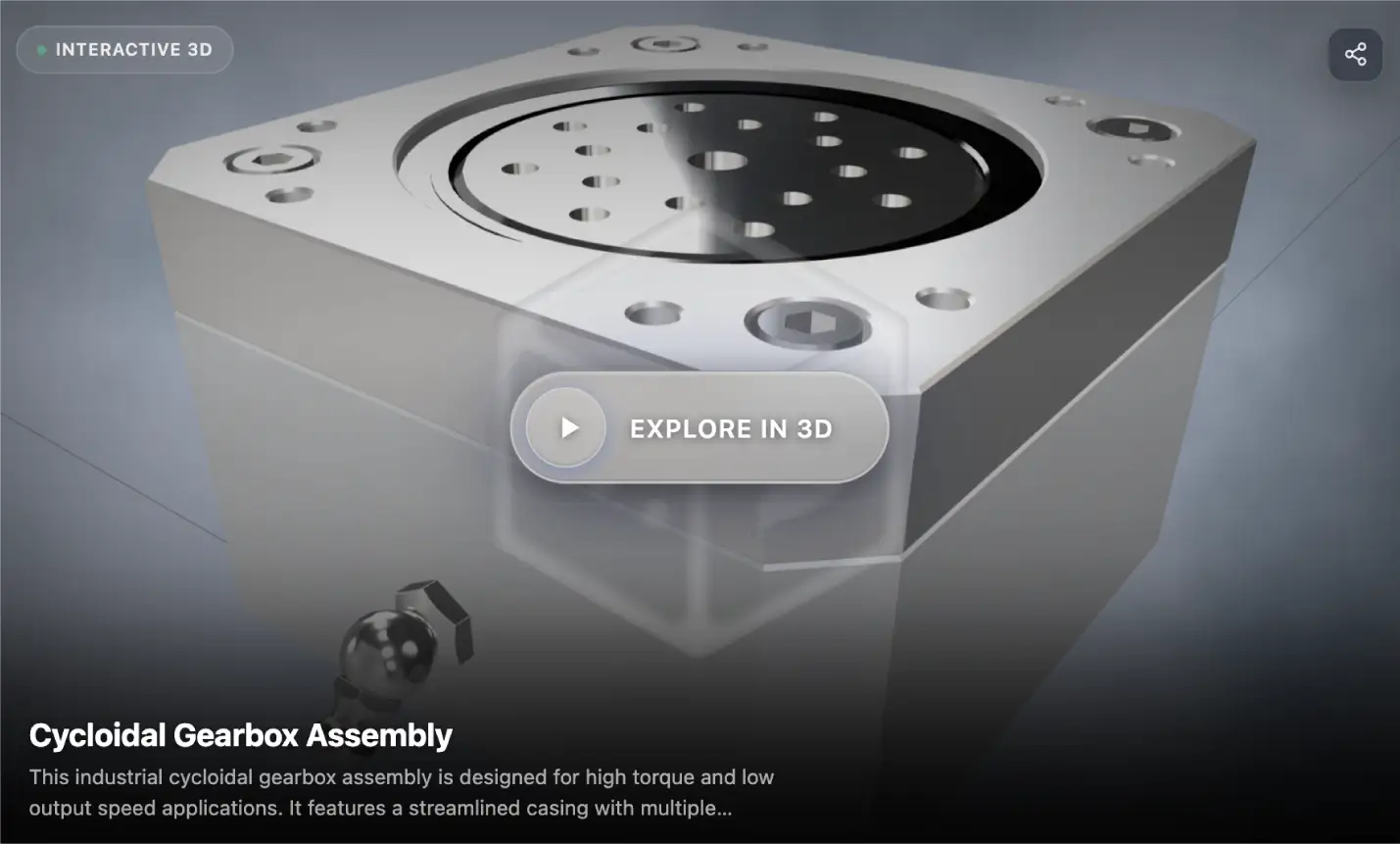
Embedding puts the whole conversational viewer — the 3D scene and the agent that operates it — inside a page you own. A visitor clicks a part and asks about it without leaving your site, and without an account.
It’s the same published scene as everywhere else. What changes is who can reach it and how much they get.
The full conversational viewer inside a page you own — no account, no new tab.
Turn on unauthenticated access first
Embedding depends on unauthenticated access, and the dependency is enforced rather than advisory. Until unauthenticated access is on, the embed toggle stays unavailable — and switching unauthenticated access back off switches embedding off in the same action.
There is no way to produce a scene that is embeddable but private. That is deliberate: an iframe on a public page is public, and a setting that implied otherwise would be a trap.
Both settings live in the Review step of scene creation, under deployment access. Each saves immediately, and publishing re-saves them first — a scene will not deploy with unsaved access settings.
Getting the embed code
Embedding requires unauthenticated access. There is no way to produce a scene that is embeddable but private.
Publish the scene. The final step hands you the URLs it generated: an authenticated scene URL, a public URL, the embed URL, and ready-to-paste iframe markup.
The public and embed URLs are generated from the deployed access settings rather than whatever is currently toggled in the editor — so flipping a switch after deploying doesn’t hand you a link that won’t work. Change access, then publish again.
The URL shape
The surfaces differ by path only. The scene ID is identical in all of them, so turning a scene link into an embed link is a one-character edit in practice.
Surface | Path | Who can open it |
Scene URL |
| Your team when signed in, or anyone if unauthenticated access is on |
Embed URL |
| Anyone, inside an iframe on a page you control |
Three conditions must all hold for an /e/ URL to resolve: unauthenticated access is on, embedding is on, and the scene is published publicly. If any one of them is off the URL returns nothing at all — not a degraded viewer, and not a message confirming the scene exists.
What an embedded visitor can do
Embedded scenes run leaner than the signed-in experience, on purpose — an embed usually sits on a marketing or support page where the visitor arrived for something else.
Conversation and the parts browser are available.
A message limit per session applies, and you set it.
Conversation history is not kept — an embed session is self-contained.
Voice, tour generation and conversation switching are reserved for signed-in users.
Embedded scenes run leaner by design: conversation and parts, with a per-session limit you set.
Panels a visitor can’t use aren’t displayed at all. Nothing is shown and then refused, which is what makes the leaner configuration read as a simpler product rather than a locked one.
Public embeds are isolated
Rate limiting protects the endpoint from a page that gets unexpected traffic.
Session isolation means one visitor’s conversation never touches another’s, even though nobody signed in.
Signed, expiring media URLs serve the scene’s assets — nothing sits in a public bucket because the page is public.
It still looks like you
An embedded scene keeps your branding, your agent’s voice, and the capability configuration you set. It reads as part of your product rather than a third-party widget dropped into the page.
Placing it well
Give it room. A 3D scene with a conversation panel needs height — a short iframe forces both into a space where neither works.
Put it where the question is. On the product page, the support article, or the spec sheet — not on a separate “3D” page nobody visits.
Say what it is. A line of text above it — “ask this product anything” — measurably beats leaving visitors to discover that the model talks.
One scene per embed. If a page covers several products, link out to each rather than stacking viewers.
Troubleshooting
The embed toggle is greyed out
Unauthenticated access isn’t on. Turn it on first; the embed toggle becomes available immediately.
The embed URL 404s or asks for a login
The scene was published before access was enabled. Enable access, then publish again — embed URLs are generated from deployed settings.
Visitors hit the message limit too quickly
Raise the per-session limit for embedded scenes, or point higher-intent traffic at the full public scene URL instead, which is a better fit for someone who came specifically to explore.
The viewer looks cramped
Increase the iframe height. The conversation and the 3D share the frame, and below a certain height the layout has nowhere to put either.
Which surface to use
Embed when the scene should live inside a page you control and visitors arrived for something else.
The public URL when you’re sending someone directly — a customer email, a distributor, a support reply.
The authenticated URL for your own team, who get the full toolset and saved history.